
Lumu Labs
Lumu Labs
Get hands-on with free cybersecurity tools that help you assess exposure, investigate threats, and bring security intelligence into your AI workflows.
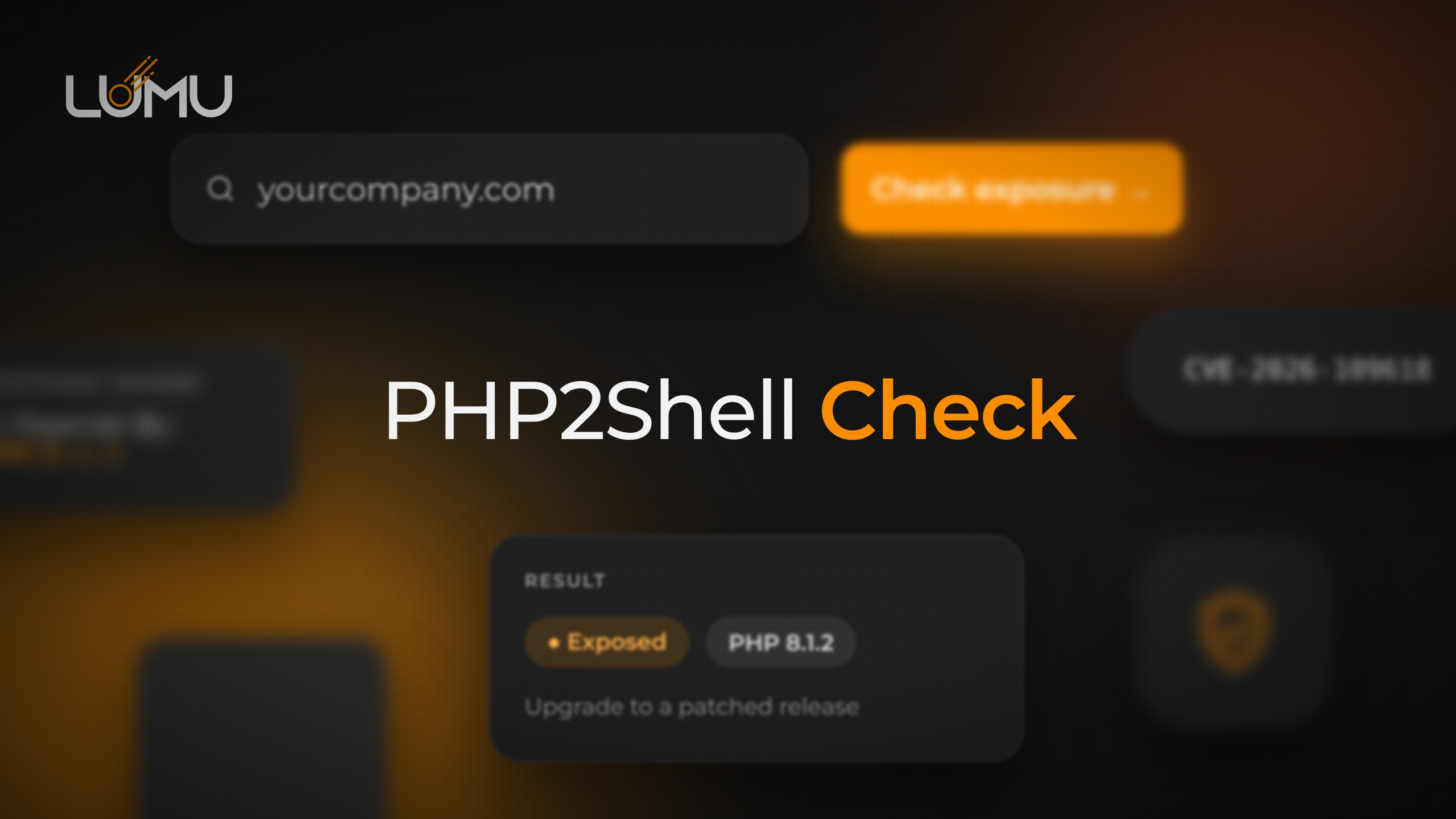
- PHP2Shell CheckVulnerability scanner
Is your PHP exposed to PHP2Shell?
See if your site’s PHP version is exposed to the PHP2Shell RCE — passively, in seconds. No sign-in needed.
Open tool - Lumu TradecraftThreat intel
Inside Lumu’s threat tradecraft.
The real-time techniques Lumu uses to track ransomware and cybercrime groups and outsmart adversaries. No sign-in needed.
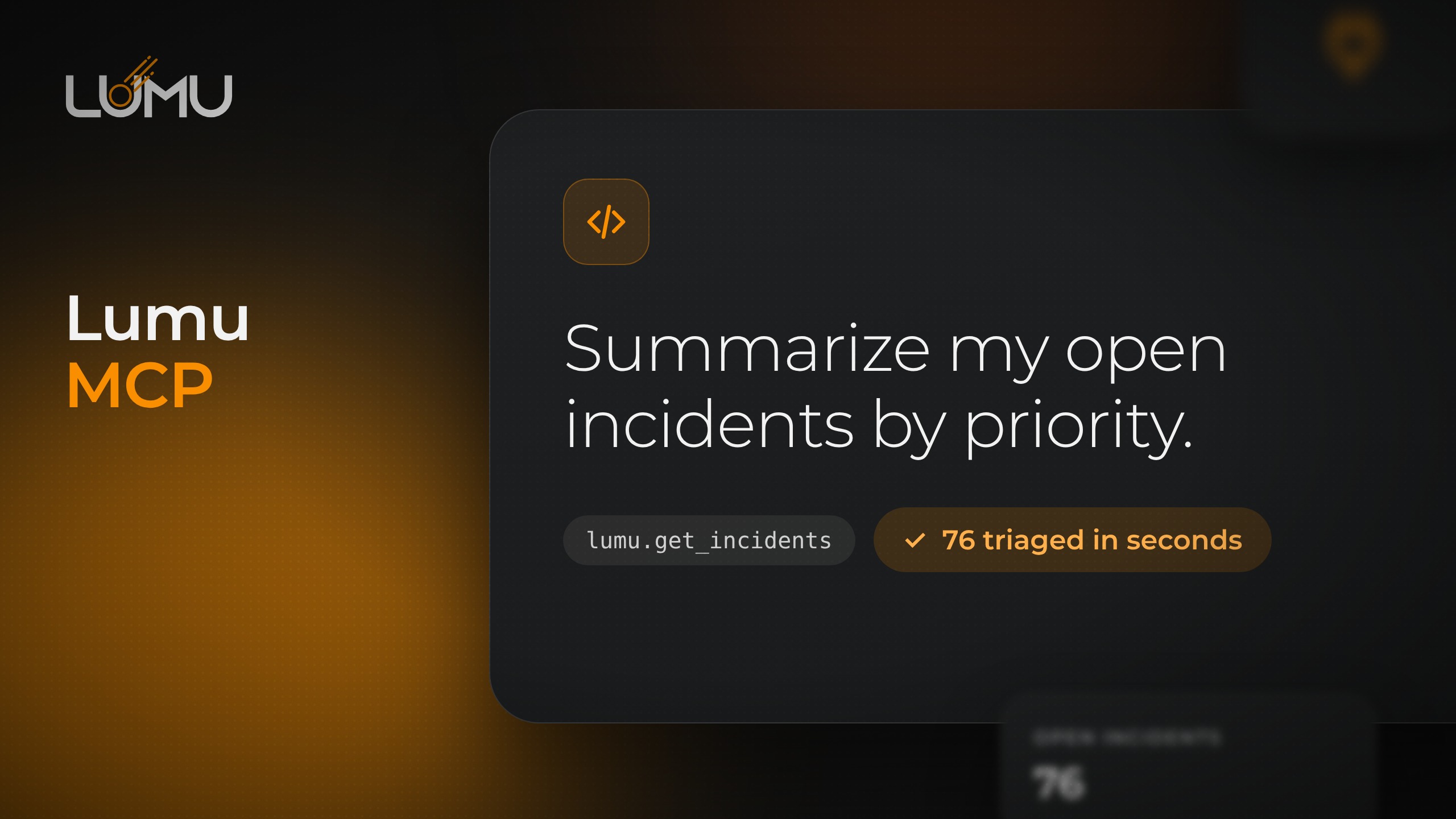
Open tool - Lumu MCPMCP server
Bring Lumu into your AI assistant.
Triage, comment on, and close Lumu Defender incidents from your AI assistant.
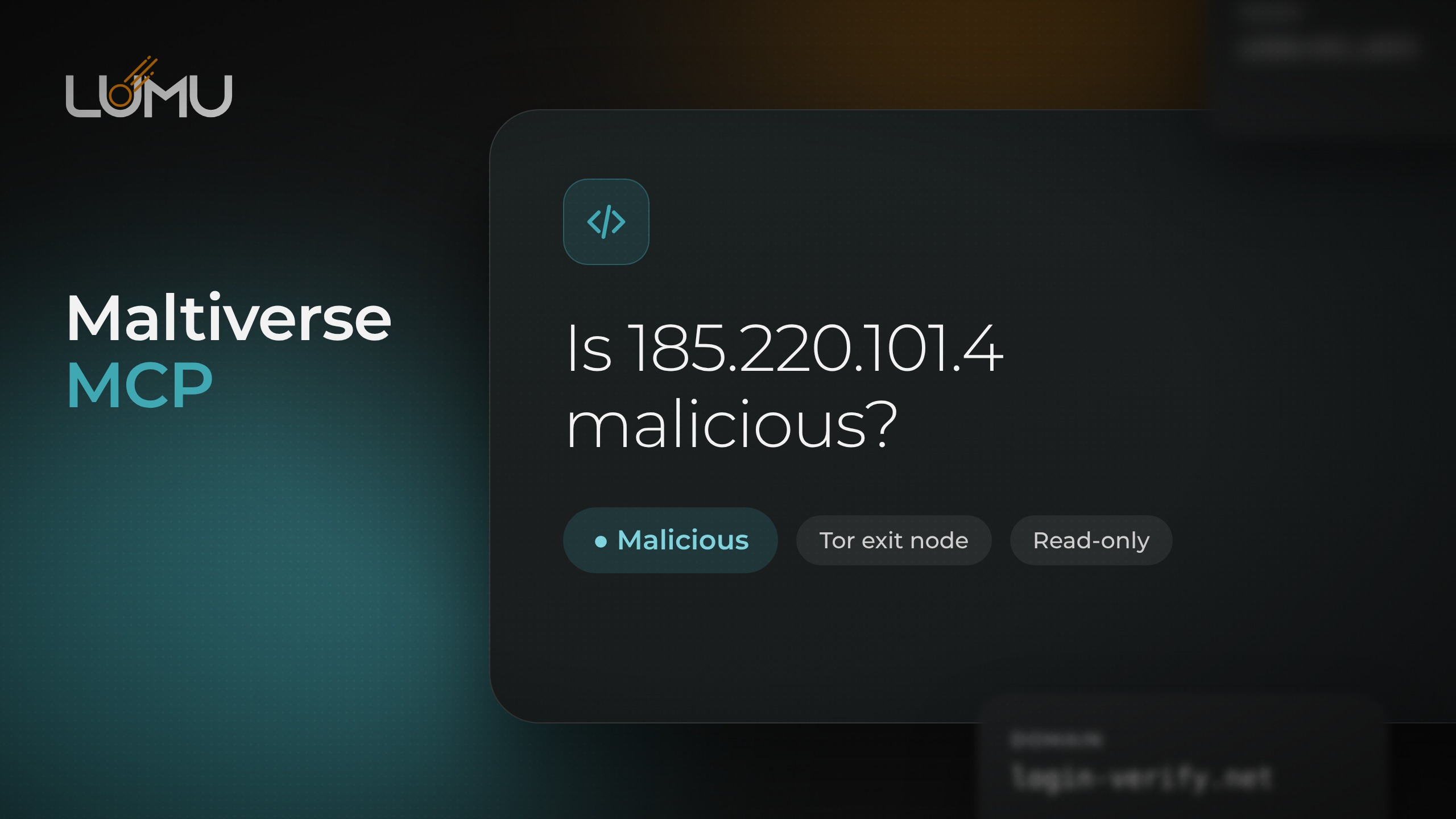
Open tool - Maltiverse MCPMCP server
Bring Maltiverse threat intel into your AI assistant.
Check IPs, domains, URLs, and hashes against Maltiverse threat intel — read-only.
Open tool

Lumu Labs FAQ
Lumu Labs FAQ.
Are the tools in Lumu Labs really free?
Yes. All the tools in Lumu Labs — the PHP2Shell Check, the Lumu MCP, the Maltiverse MCP, and Lumu Tradecraft — are free to use and don’t require a paid Lumu subscription or a purchase.
Do I need a Lumu account to use them?
The PHP2Shell Check and Lumu Tradecraft need no account at all. The Lumu MCP connects to your own Lumu Defender tenant, so it uses your existing Lumu API key.
How does the PHP2Shell check work?
You enter your website’s domain and the tool passively reads public response headers to detect the PHP version, then compares it with PHP’s patched releases. It never sends test requests or exploit payloads.
What can the Lumu MCP do?
It lets a Model Context Protocol client — like Claude — query and manage your Lumu Defender incidents: list open, closed, and muted incidents, inspect details and events, and comment on, mute, mark as read, or close them.
What is the Maltiverse MCP?
It connects a Model Context Protocol client — like Claude — to the Maltiverse threat-intelligence API. You can check the reputation of an IP, domain, URL, or file hash and hunt the IoC dataset. It uses your own free Maltiverse API key and is entirely read-only.
Can I use these tools to level up my team?
Yes. Security teams use the Lumu Labs tools to show stakeholders real exposure and threat tradecraft before an attacker does. To continuously discover your attack surface and detect adversaries across your organization, use the Lumu platform.